
Skip to content
Sigvo

Combine Images into One PDF, Reorder, and Sign on Android

Sigvo turns a stack of photos and screenshots into a single, tidy PDF you can share as one file. Pick your images, arrange the order, and add a signature, all on your phone.

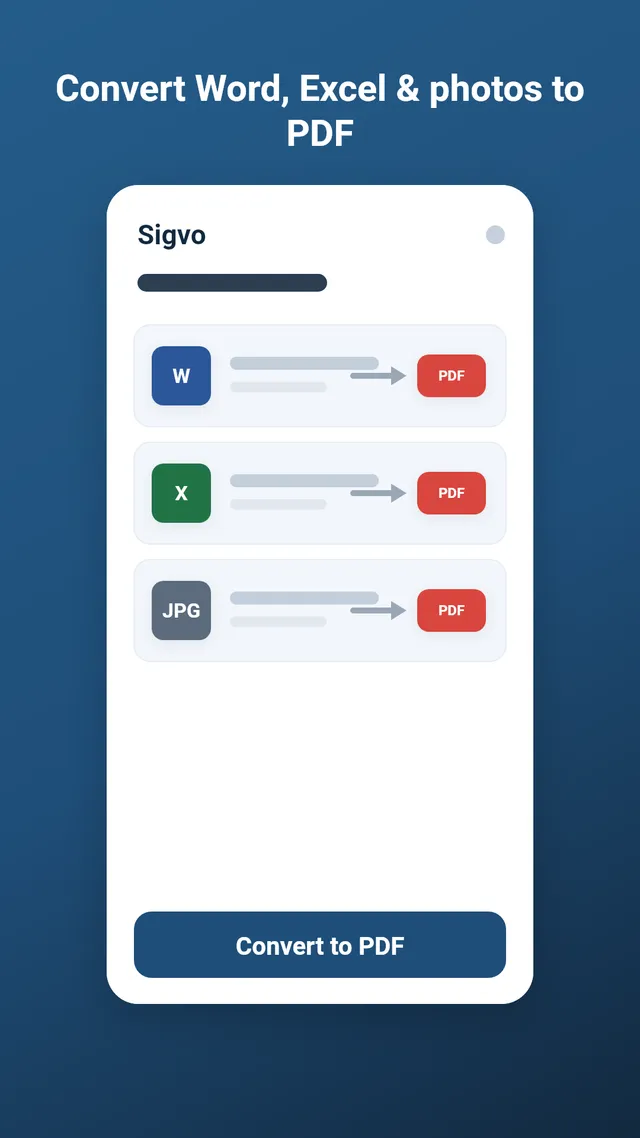
To convert images to PDF on Android, open Sigvo, tap Image to PDF, and select the pictures you want (JPG, PNG or WebP). Drag to reorder them into the sequence you want, then convert. Sigvo builds one multi-page PDF on your device, which you can sign or fill before saving.

Get it on Google Play

3-day free trial · no ads · cancel anytime

Combine Images into One PDF, Reorder, and Sign on Android

How image to PDF works in Sigvo

Select multiple images in any supported format and Sigvo places each one on its own page, keeping them in the order you set. The result is a single PDF instead of a folder full of loose photos, so combining images into a PDF takes a few taps.

Why on-device conversion matters here

Photos often hold personal details like IDs, receipts, and handwritten notes, so Sigvo converts everything offline, right on your device. Your pictures never leave the device, and there is no upload, no account, no ads, and no watermark on the finished PDF.

Reordering and mixing formats

You can drag pages to reorder them before converting, which matters when a picture to PDF job needs a cover shot first or receipts in date order. Sigvo also lets you mix formats in one document, so a JPG scan, a PNG screenshot, and a WebP photo can share the same PDF.

Convert, then sign

Once your photos to PDF conversion is done, the file opens straight into Sigvo's signing tools. Draw or place your signature, add text or dates, and export the signed PDF, all without a second app. Sigvo runs on Android 7.0 and up with a 3-day free trial.

Keep reading

Sign your first PDF today

Install Sigvo, open a document, and export a signed PDF before your coffee gets cold.

Get it on Google Play

3-day free trial · no ads · cancel anytime

Sigvo adds a visual signature to your documents. It is not a substitute for a qualified electronic signature service, such as an eIDAS qualified e-signature or your country's legally certified electronic signature.