
A scanner without a second app
Point the camera at a page and Sigvo finds the edges, straightens the image and sharpens the text. You get a clean PDF without downloading a separate scanner.
Sigvo turns your camera into a document scanner. Photograph a paper form, let the app crop and sharpen it, and sign the resulting PDF, all in one place.
To scan a document to PDF on Android, open the scanner in Sigvo, photograph the page, confirm the auto-detected edges, and export a clean PDF you can sign. It works offline.
1 free PDF export per day · no ads · no watermark
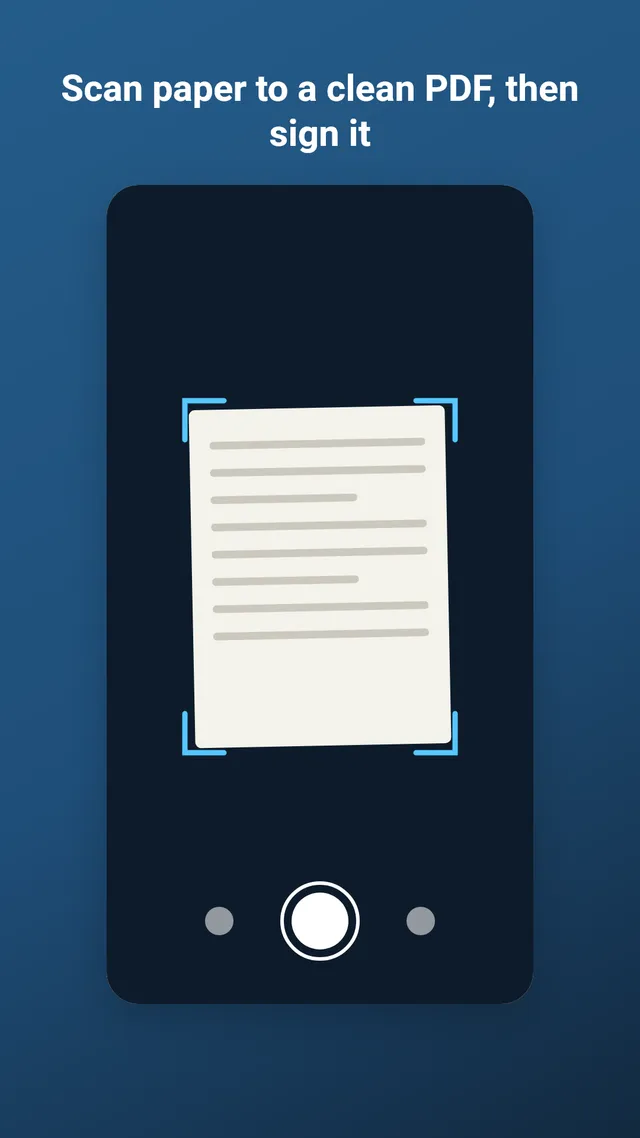
Point the camera at a page and Sigvo finds the edges, straightens the image and sharpens the text. You get a clean PDF without downloading a separate scanner.
The auto-crop handles most pages, and you can drag the four corners by hand for tricky ones. Choose a colour, grayscale or high-contrast look.
Turn on batch mode and the camera catches each page hands-free. Sigvo stamps your signature, the date and a rising number on every page, then exports the pile as one signed PDF.
A scanned page opens in the same editor as any PDF, so you can add a signature or fill a field before you share it.
Install Sigvo, open a document, and export a signed PDF before your coffee gets cold.
1 free PDF export per day · no ads · no watermark
Sigvo adds a visual signature to your documents. It is not a substitute for a qualified electronic signature service, such as an eIDAS qualified e-signature or your country's legally certified electronic signature.