
Skip to content
Sigvo

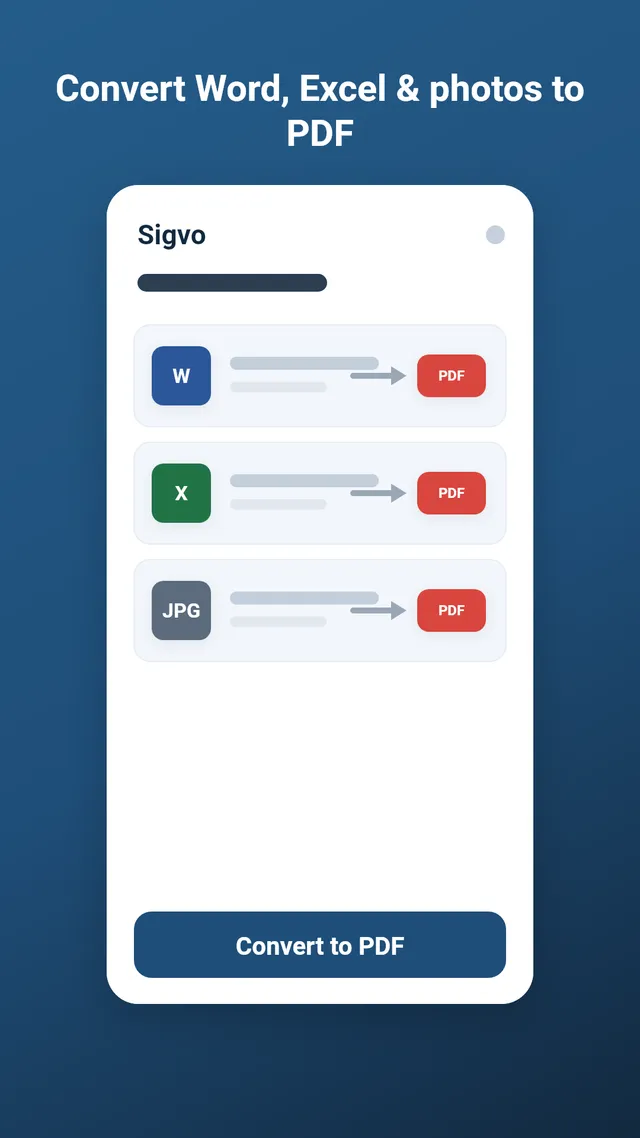
Convert Word to PDF on Android, Offline

Sigvo turns your Word documents into PDF right on your Android phone, with no upload and no account. Your .docx files convert on the device using a built-in engine, so a private contract or letter never leaves your hands.

Open Sigvo on your Android phone, tap to import your Word file (.docx), and let the built-in engine convert it to PDF on the device. Nothing uploads to a server, so your document stays private. Once the PDF is ready, sign or fill it in the same app and share the finished file.

Get it on Google Play

3-day free trial · no ads · cancel anytime

Convert Word to PDF on Android, Offline

How Word to PDF conversion works

Pick a .docx file from your phone and Sigvo processes it locally with its built-in engine, producing a standard PDF you can open anywhere. The whole docx to PDF conversion runs on Android 7.0 and up, with no internet connection needed at any step.

Why offline conversion matters here

Contracts, cover letters, and signed agreements often hold names, addresses, and terms you would rather not send to a stranger's cloud. Because Sigvo converts Word to PDF offline on your device, the file is never uploaded, and there are no ads, no watermark, and no sign-up to work around.

Keeping the Word layout close

Sigvo aims to keep your headings, tables, and spacing close to the original document so the PDF reads the way you wrote it. On-device fonts can shift pagination a little compared to a desktop, so check page breaks on long files before you send them.

Convert your Word file, then sign

After the conversion finishes, you stay in Sigvo to add your signature, initials, dates, or text fields directly onto the pages. Convert, sign, and share the final PDF from one app, without moving your document between tools.

Keep reading

Sign your first PDF today

Install Sigvo, open a document, and export a signed PDF before your coffee gets cold.

Get it on Google Play

3-day free trial · no ads · cancel anytime

Sigvo adds a visual signature to your documents. It is not a substitute for a qualified electronic signature service, such as an eIDAS qualified e-signature or your country's legally certified electronic signature.