
Skip to content
Sigvo

Turn a JPG or Photo Into a PDF You Can Sign, All on Your Phone

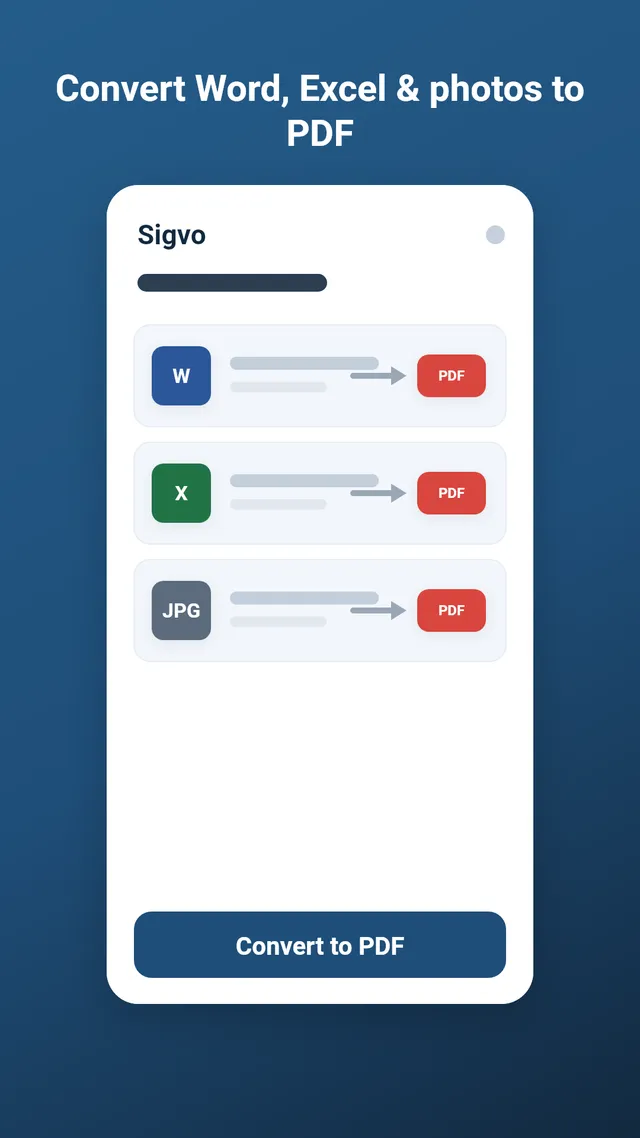
Sigvo converts a single photo or a handful of JPG and JPEG images into a clean PDF right on your Android device. Once the file is ready, you can sign it or fill it in the same app, without anything ever leaving your phone.

Open Sigvo on your Android phone, tap convert, and pick one or more JPG, JPEG or photo files from your gallery. The app builds the PDF on-device in seconds, giving each image its own page. You can then reorder pages, sign the PDF, and save or share it. No account and no internet needed.

Get it on Google Play

3-day free trial · no ads · cancel anytime

Turn a JPG or Photo Into a PDF You Can Sign, All on Your Phone

How JPG to PDF works in Sigvo

Select a photo or several JPG and JPEG pictures straight from your gallery, and Sigvo places each one on its own PDF page. The conversion runs on your device, so you go from picture to PDF in a few taps with nothing to upload.

Offline conversion keeps your photos private

Personal photos, ID scans and receipts stay on your phone because Sigvo never sends them to a server. There is no cloud upload and no account, which also means the JPG to PDF conversion works on a plane or with mobile data switched off.

Combine several pictures into one PDF

When you pick multiple images, Sigvo merges them into a single multi-page PDF and lets you reorder the pages before saving. This makes it easy to gather a few photos, like both sides of a document, into one tidy file instead of separate images.

Convert, then sign right away

After the picture to PDF step, you can add your signature, initials or typed text directly on the result. Everything happens in the same offline app, so you finish and share a signed PDF without leaving Sigvo.

Keep reading

Sign your first PDF today

Install Sigvo, open a document, and export a signed PDF before your coffee gets cold.

Get it on Google Play

3-day free trial · no ads · cancel anytime

Sigvo adds a visual signature to your documents. It is not a substitute for a qualified electronic signature service, such as an eIDAS qualified e-signature or your country's legally certified electronic signature.